The Anticype inbox.
Connect WhatsApp Business and Gmail conversations to the client, the stay and the operations. A request is never cut off from the work it requires.
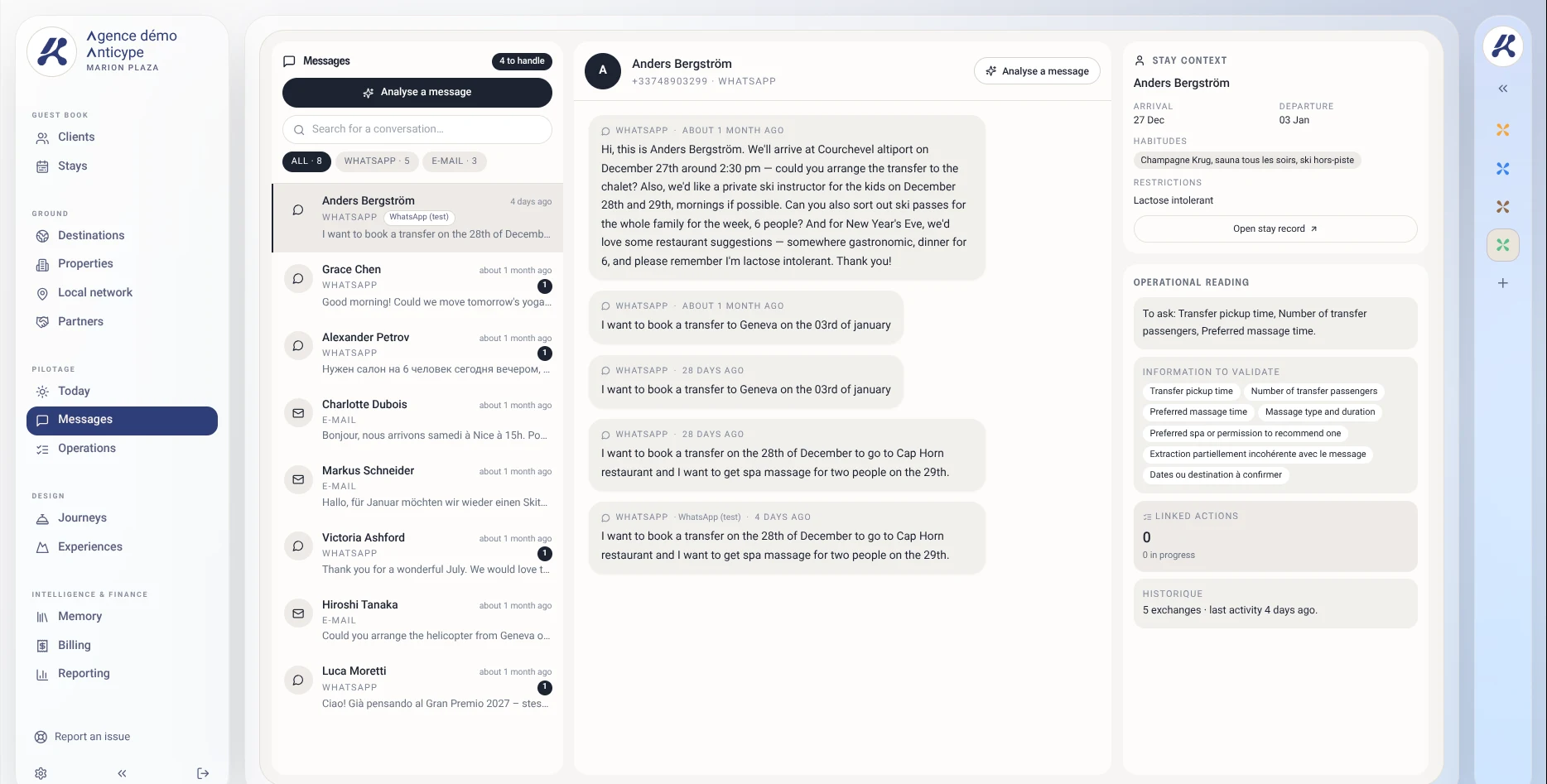
A client writes, an assistant clarifies, a partner replies. The thread that matters isn’t just the conversation: it’s the context of the stay it belongs to.
From a single detail to a complete file.
- 01
Receive
Find the conversation in your agency’s connected inbox.
- 02
Link
Check the client file and the stay the request belongs to.
- 03
Coordinate
Prepare the operation, then follow the partner’s response with the team.
A request that finds its thread
Find the conversation in your agency’s connected inbox.
WhatsApp · Anders B.
A chef at the villa on Tuesday for four
Your channels, in the same context.
The inbox brings conversations and client files together. The WhatsApp Business connection uses Meta’s official integration, specific to each agency.
- Connect your agency’s WhatsApp Business account.
- Find Gmail conversations alongside client context.
- Check account and connection prerequisites during activation.
From message to operation.
A request for a driver or a private chef should join the stay’s workflow, not stay buried in a forgotten group chat.
- Identify the client and the relevant stay.
- Turn the request into a task, service or disbursement to review.
- Keep the link to the conversation and check before confirming.
Your network, close at hand.
Partner files document contacts, terms, commissions and service particularities.
- Find useful contacts and recorded emergency details.
- View negotiated terms and cancellation policies.
- Tell a documented recommendation apart from confirmed availability.
The questions that matter.
Is it a WhatsApp account shared between agencies?
Each agency connects its own official WhatsApp Business account. Connection and configuration requirements are reviewed during activation.
Is a request confirmed automatically?
No. A request becomes work to be handled; the concierge’s approval and the partner’s confirmation remain necessary.
Can I start without connecting my channels?
The terms of your beta access will be defined with you. The inbox is not presented as already connected to your accounts before configuration.
Your next stay.
One shared context.
Join the waitlist. No payment required to sign up.
Access opens progressively, in sign-up order.